
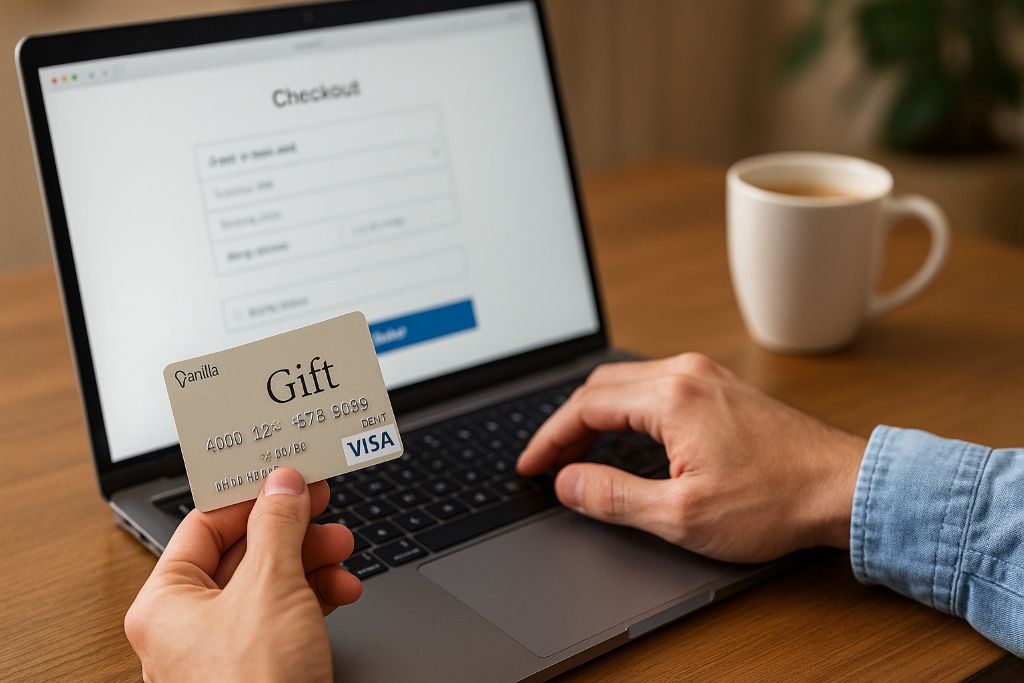
Shopping online has become second nature for most people. With so many digital payment options, gift cards like the Vanilla Gift Card are a simple and secure way to buy what you love without using a credit card. According to the Federal Reserve, over 60% of U.S. adults now use prepaid or reloadable cards each year. That number continues to rise as people seek safer, faster ways to pay.
In this detailed guide, you’ll learn exactly how to use your Vanilla Gift Card online, what to do if it doesn’t work, and how to avoid common mistakes. Whether you have a Visa, Mastercard, or eGift version, this article covers everything step-by-step so you can start shopping confidently.
What Is a Vanilla Gift Card?
A Vanilla Gift Card is a prepaid card you can use almost anywhere that accepts major payment networks like Visa or Mastercard. Unlike store gift cards that only work at one retailer, Vanilla cards offer freedom. You can use them online, in apps, or in stores.
These cards are preloaded with a fixed balance. Once you spend it, they can’t be reloaded. They’re ideal for gifts, budgeting, or secure online purchases since you don’t need to share your bank or credit card details.
Key Features
- Works wherever Visa or Mastercard is accepted
- No personal bank account needed
- Easy to activate and use
- Great for online shopping or digital subscriptions
- Accepted worldwide in most e-commerce stores
How to Activate a Vanilla Gift Card
Before you start shopping, check whether your Vanilla Gift Card needs activation. Most cards are automatically activated at checkout, but some require manual setup online.
Step-by-Step Activation
- Check the sticker: Many cards come with an activation sticker on the front. It will tell you if activation is required.
- Visit the official website: Go to VanillaGift.com for Visa or Mastercard cards.
- Enter your details: Type the card number, expiration date, and CVV code.
- Submit and confirm: Once done, your card will be ready for use within minutes.
You’ll also see your available balance during activation. Keeping track of your balance helps you avoid declined transactions later.
How to Use a Vanilla Gift Card Online
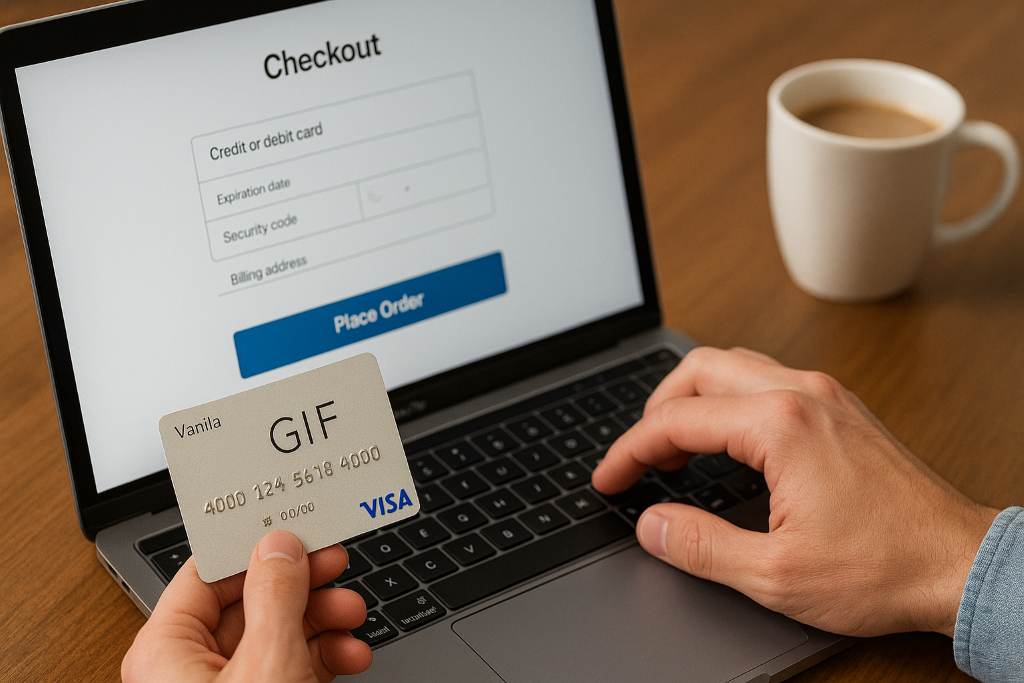
Using a Vanilla Gift Card online is almost the same as using a regular credit card. Here’s the complete process:
Step 1: Check Your Card Balance
Before making a purchase, always check your remaining balance. Visit the official site and enter your card details. This step ensures you don’t try to spend more than what’s available.
Step 2: Shop Online
Choose your favorite online store that accepts Visa Gift Cards or Mastercard Gift Cards. Nearly every major retailer does.
Step 3: Enter Card Details
At checkout, select Credit or Debit as your payment method. Then, enter your:
- Card number
- Expiration date
- Security code (CVV)
- Billing address (if required)
Tip: Use the same zip code you used when activating the card. Some sites use it to verify your payment method.
Step 4: Complete the Payment
After submitting your payment, your Vanilla Gift Card balance will update automatically. You’ll see the remaining amount online or through your email receipt.
Related: How to Use a Visa Gift Card on Amazon
Common Issues When Using Vanilla Gift Cards Online
Sometimes your transaction may not go through even if your card is valid. Here are the most frequent issues and how to fix them:
1. Insufficient Balance
Online stores usually charge the full amount at once. If your balance is even a few cents short, the payment will fail.
Fix: Use the card only for smaller purchases or combine it with another payment method.
2. Incorrect Billing Information
Many websites verify your billing address to prevent fraud.
Fix: Ensure your billing address matches the one linked to your Vanilla Gift Card.
3. Website Doesn’t Accept Prepaid Cards
Some platforms (like certain subscription services) reject prepaid cards.
Fix: Try using the card at a different retailer or on a platform known to accept Vanilla cards.
4. Pending Transactions
If your transaction is declined, the amount may still appear “pending” temporarily.
Fix: Wait 3–7 business days for the amount to be released.
Tips to Get the Most Out of Your Vanilla Gift Card
Getting value from your Vanilla Gift Card is easy when you know how to use it smartly.
Use It for Small Purchases
Since it’s prepaid, a Vanilla card is perfect for everyday items, apps, and streaming subscriptions.
Combine with Another Payment Method
If your total is higher than your balance, use your card first, then pay the remaining amount with another method.
Register the Card Online
Registering your card helps protect it from loss or fraud and enables smoother transactions with address verification.
Keep Track of Your Spending
Visit the official Vanilla Gift website regularly to check your balance and recent transactions. This helps you avoid declines.
Use It Quickly
While the funds don’t expire, some cards may incur inactivity fees after a period of non-use. It’s best to spend it soon after receiving it.
Where You Can Use a Vanilla Gift Card Online
Vanilla Gift Cards are accepted almost everywhere Visa or Mastercard is used, including:
- Online marketplaces like Amazon, eBay, and Walmart
- Food delivery apps like DoorDash and Uber Eats
- Subscription services such as Netflix, Spotify, and Disney+
- Travel and ticket booking sites
Always make sure the store accepts prepaid cards. Some platforms, especially recurring subscription services, may not.
How to Check Your Vanilla Gift Card Balance
Keeping tabs on your available balance ensures smoother purchases.
Online
Visit VanillaGift.com and click “Check Balance.” Enter your card number, expiration date, and CVV.
By Phone
Call the customer service number on the back of your card and follow the voice instructions.
On Receipts
If you used the card for an in-store purchase, your remaining balance may appear at the bottom of your receipt.
What to Do If Your Vanilla Gift Card Doesn’t Work
If your payment fails, don’t panic. Here’s how to troubleshoot:
- Check the balance – Make sure there’s enough money on the card.
- Confirm card details – Double-check your number, expiration, and CVV.
- Match billing info – Use the same zip code used during activation.
- Try a different retailer – Some merchants don’t accept prepaid cards.
- Contact support – If everything looks right but it still fails, contact Vanilla Gift customer service for help.
Vanilla Gift Card Security Tips
Gift cards are convenient, but they can be targeted by scammers. Stay safe by following these simple precautions:
- Never share your card number or CVV with anyone.
- Only buy cards from trusted retailers or official websites.
- Don’t use your card on suspicious or unfamiliar websites.
- Register your card online to protect against unauthorized use.
If your card is lost or stolen, report it immediately. The team may be able to issue a replacement with your remaining balance.
Vanilla Gift Card vs. Credit and Debit Cards
Here’s how Vanilla Gift Cards compare with other popular payment methods:
| Feature | Vanilla Gift Card | Credit Card | Debit Card |
|---|---|---|---|
| Requires Bank Account | No | Yes | Yes |
| Spending Limit | Fixed | Credit Limit | Account Balance |
| Risk of Overspending | Low | High | Moderate |
| Ideal For | Gifting, Budgeting | Large Purchases | Everyday Use |
Vanilla cards are great for short-term spending or gifts, while credit and debit cards offer long-term financial tools.
Why Vanilla Gift Cards Are Perfect for Online Shopping
Online shopping requires trust and security. With Vanilla Gift Cards, you can buy confidently without linking your bank details.
Benefits include:
- Protection from fraud since cards aren’t tied to your personal data
- Instant payment approvals on most websites
- Convenient for people without traditional bank accounts
- Great for managing budgets or setting spending limits for kids or teens
Conclusion
Using a Vanilla Gift Card online is simple, secure, and convenient. From activation to payment, each step takes just minutes. Always check your balance before shopping, use the right billing address, and keep your card information safe.
Now that you know how to make the most of your Vanilla Gift Card, go ahead and enjoy shopping online without worry.
Action Step: Check your Vanilla Gift Card balance today and make your next online purchase with confidence!
FAQs
1. Can I use a Vanilla Gift Card on Amazon?
Yes. You can use your Vanilla Visa or Mastercard Gift Card on Amazon by adding it as a payment method like a credit card.
2. Can I reload a Vanilla Gift Card?
No. Vanilla Gift Cards are single-load cards. Once the balance is used, they can’t be reloaded.
3. Why is my Vanilla Gift Card being declined online?
Your card might be declined if there’s an address mismatch, insufficient balance, or the website doesn’t accept prepaid cards.
4. Can I use my Vanilla Gift Card for recurring payments?
Some subscription platforms don’t accept prepaid cards. It’s best to use them for one-time purchases only.
5. How can I check my Vanilla Gift Card balance?
You can check it online at VanillaGift.com or call the number printed on the back of your card.